Paper screen.Real games.

Your e-ink device, now a quiet game console.No glare, no backlight, just play.

Game Boy · Photo: William Warby / Pexels
  • Five classic systemsGame Boy, Game Boy Color, Game Gear, NES and SNES.
    →
  • Touch or a Bluetooth padTap the screen, or pair an 8BitDo Micro.
    →
  • Easy on the eyesA paper-like screen with no backlight.
    →
01 / Play

Five systems.One quiet screen.

The consoles you grew up with, played on one paper screen. Put your own cartridge backups on the memory card and Papercade knows which system each game is for.
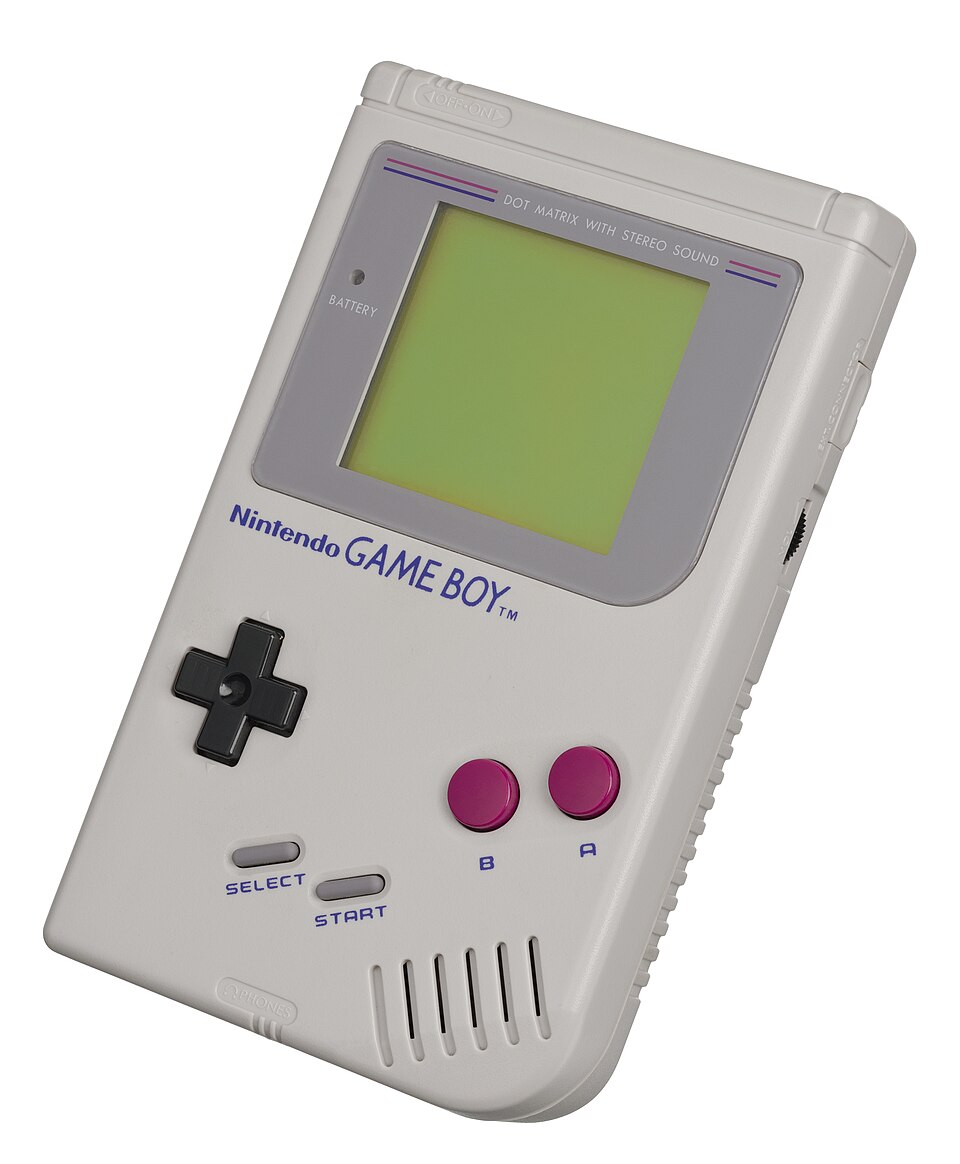
Original Game Boy

Game Boy

The classic library, as sharp as print.
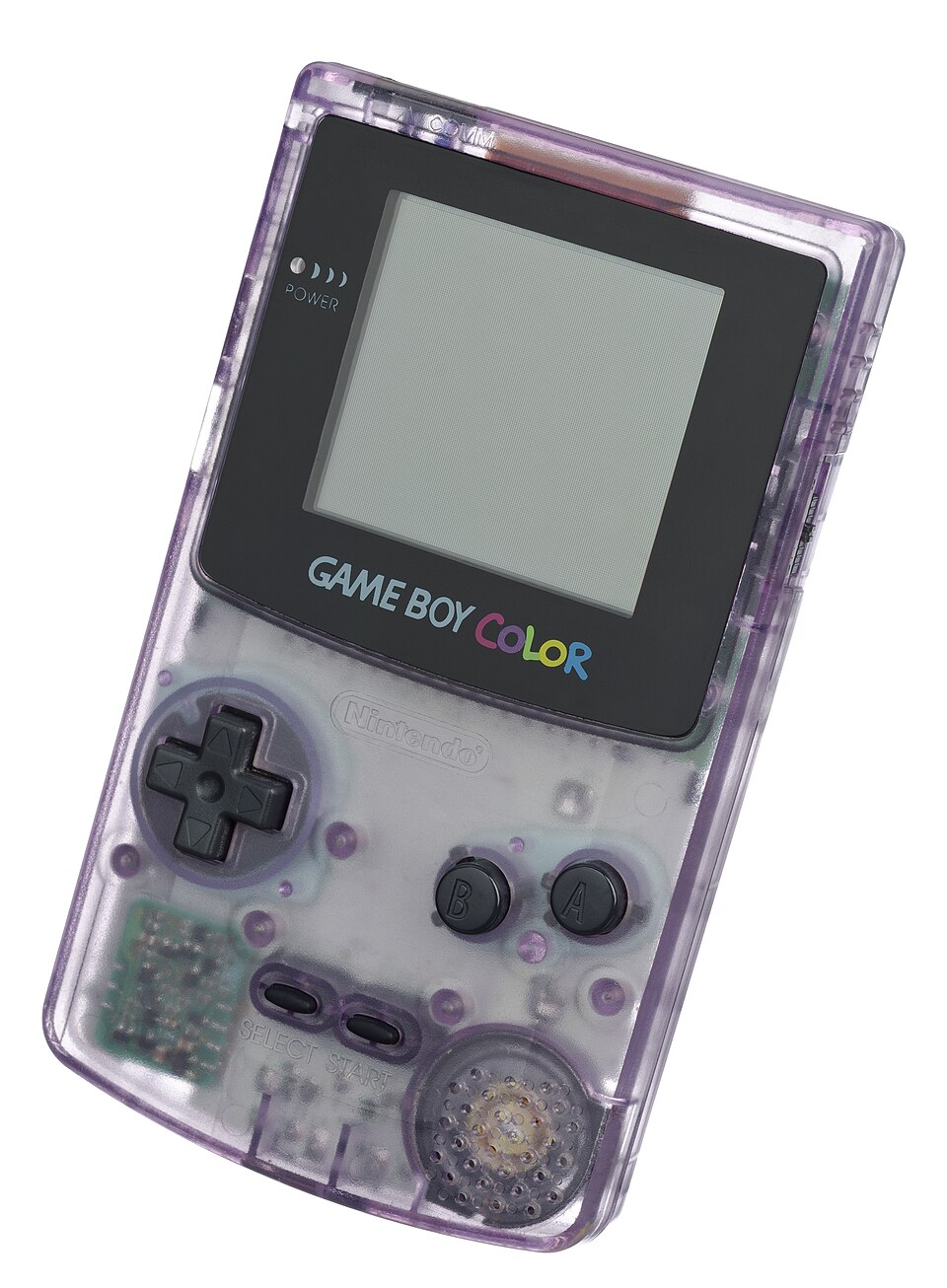
Original Game Boy Color

Game Boy Color

Colour games in soft shades of grey.
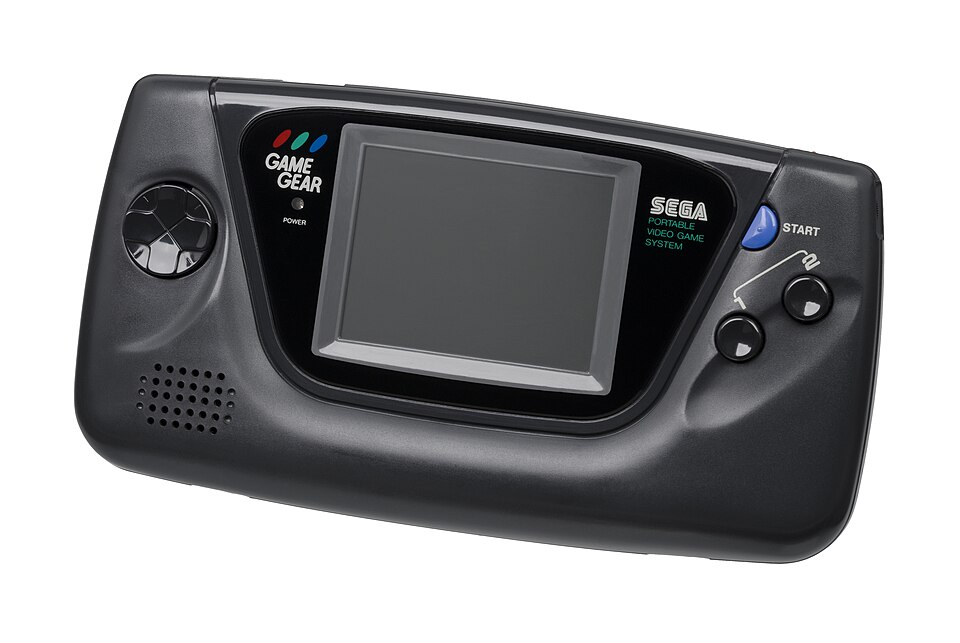
Original Game Gear

Game Gear

Sega's handheld, right beside its rival.
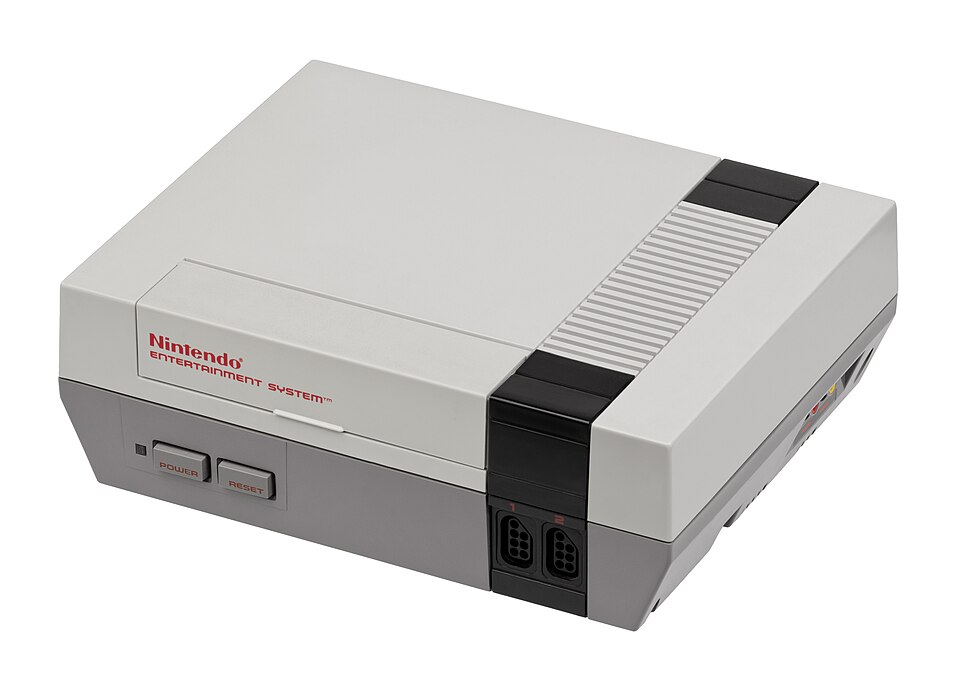
Original NES

NES

Full-width picture for the 8-bit greats.
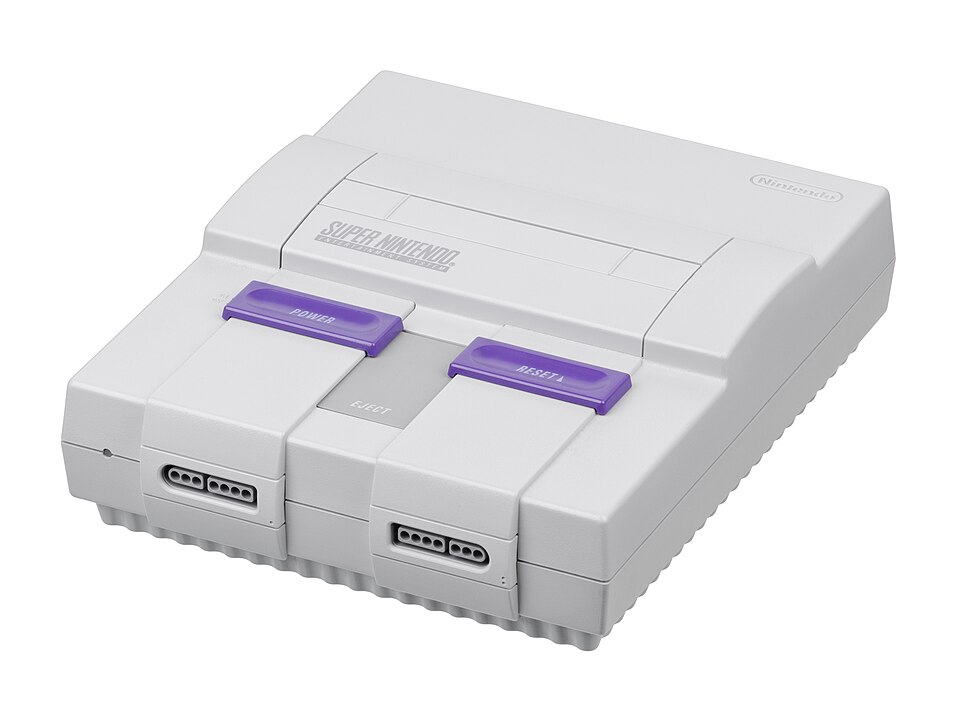
Original SNES

SNES

Fighting games at a full 60 frames a second.

Play only games you own.

02 / Controls

Tap the screen.Or bring a pad.

Use the buttons drawn on the screen, a small Bluetooth controller, or both at the same time.

Touch buttons

A D-pad, A, B, Start and Select sit under the picture, sized for thumbs. SNES games add X, Y, L and R.

8BitDo Micro

Pair it once in Settings. After that it reconnects by itself when you switch on, and its Home button opens the pause menu.

03 / Calm by design

Easy on the eyes.Easy to pick up.

E-ink shows a picture the way printed paper does. It stays put, it stays readable, and it never lights up your room.

  • Quick to resumeContinue your last game straight from Home.
    →
  • Checkpoints anywhereSave from the pause menu and continue later.
    →
  • Saves on the memory cardYour games and progress, all in one place.
    →
  • ScreenshotsKeep a picture of that high score.
    →
04 / Add games

From your phone.No cable.

Papercade makes its own little Wi-Fi network. Join it, open the page, and drop a game in.

  1. Choose ADD GAMES on the device.
  2. Join its Wi-Fi on your phone and open the page it shows.
  3. Pick a game file. It goes straight to the memory card.
05 / Devices

Familiar hardware.New things to play.

Papercade runs on these e-ink devices today. More are on the way.

Supported

reTerminal Sticky

3.97″ e-ink touch screen, ESP32-S3, 66 g

Get Sticky at Seeed ↗
Coming later

More e-ink devices

Support arrives once games run well on them.

06 / Good to know

Questions,answered.

The short answers to what people ask first.

Does it come with games?

No. Papercade plays backups of cartridges you own, which you add from your phone.

Which systems does it play?

Game Boy, Game Boy Color, Game Gear, NES and SNES.

Do I need a controller?

No. Touch buttons are built in. An 8BitDo Micro over Bluetooth is optional.

Is e-ink fast enough for games?

Papercade's tuned refresh reaches about 10 screen updates a second, while the game itself runs at full speed.

Where are my saves kept?

On the memory card, next to your games, so they are easy to back up.

Which devices are supported?

reTerminal Sticky today. Other small e-ink devices are being explored.

Put down the bright screen.Pick up a paper one.

Classic games on a calm, paper-like display.